Ideas can wait
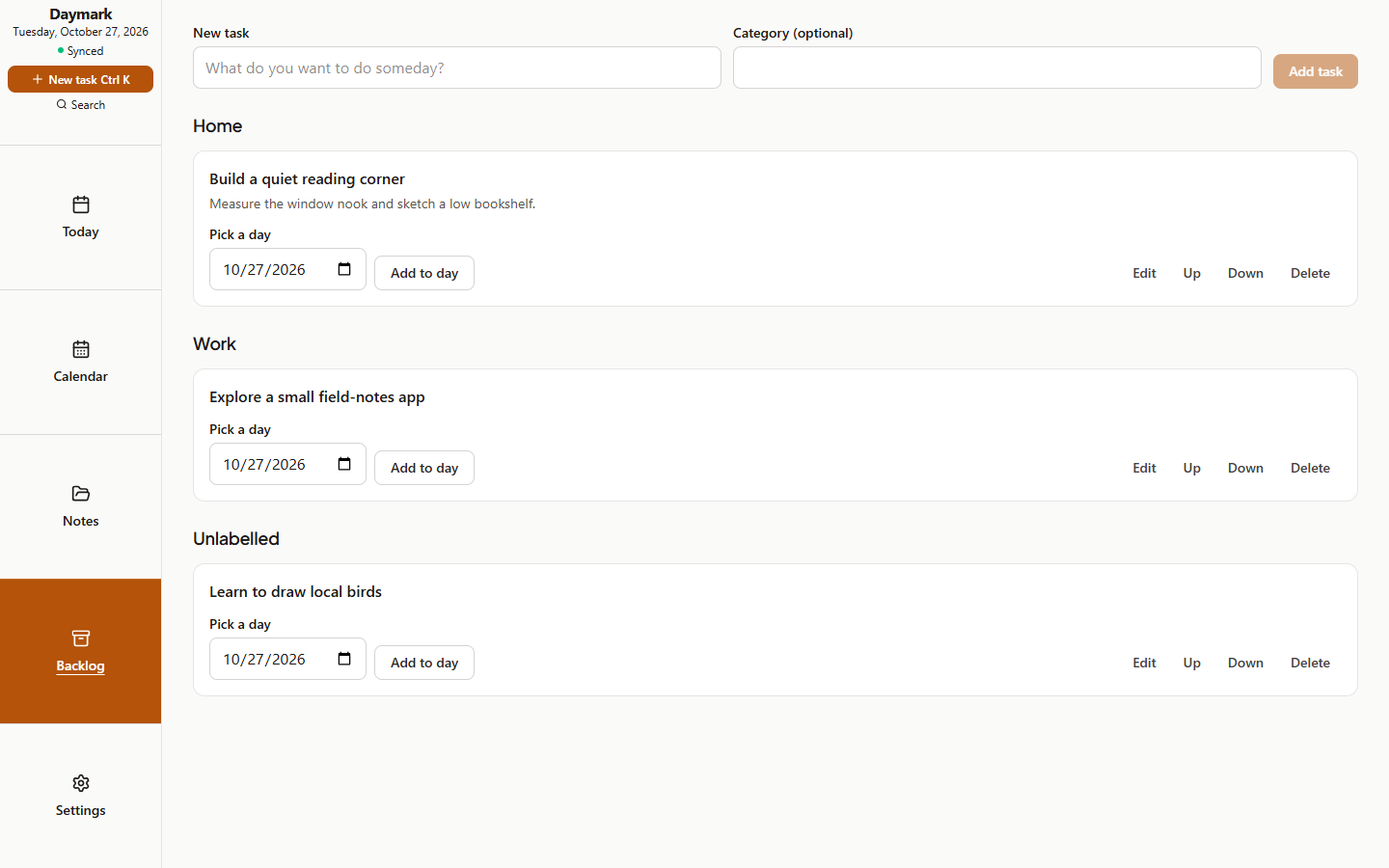
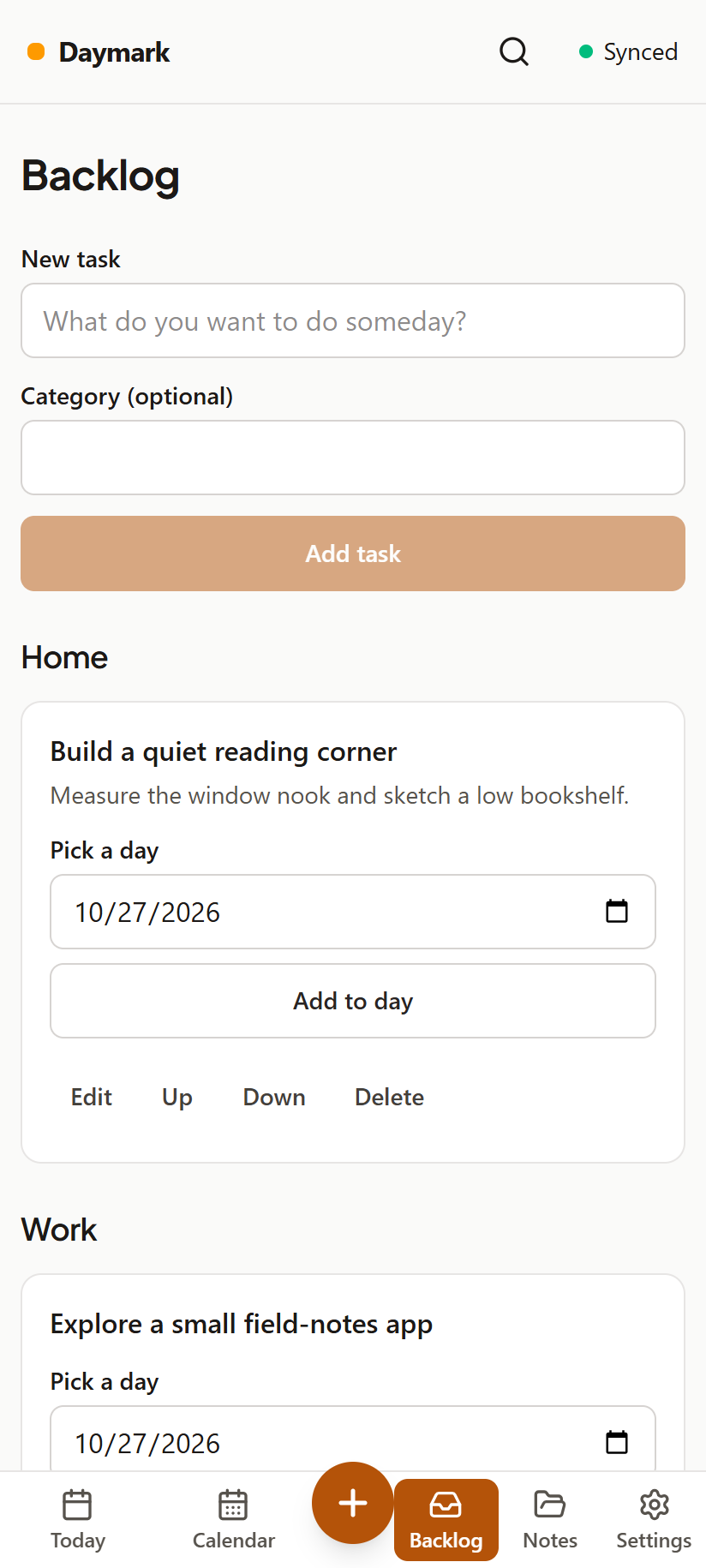
Keep undated tasks in Backlog with category labels. Pick a day when you are ready; until then they stay out of daily counts and warnings.
 Daymark
Version 1.11.1 · released November 1, 2026
Daymark is a local-first daily notebook. Each day is a Markdown note; whatever you didn't finish moves to today with its history, and tasks that keep slipping get a gentle warning. Habits, a calendar to plan ahead, notes and home-screen widgets, on the web and on Android.
The APK comes from the GitHub release. The web app runs on a server you host yourself.
Keep undated tasks in Backlog with category labels. Pick a day when you are ready; until then they stay out of daily counts and warnings.
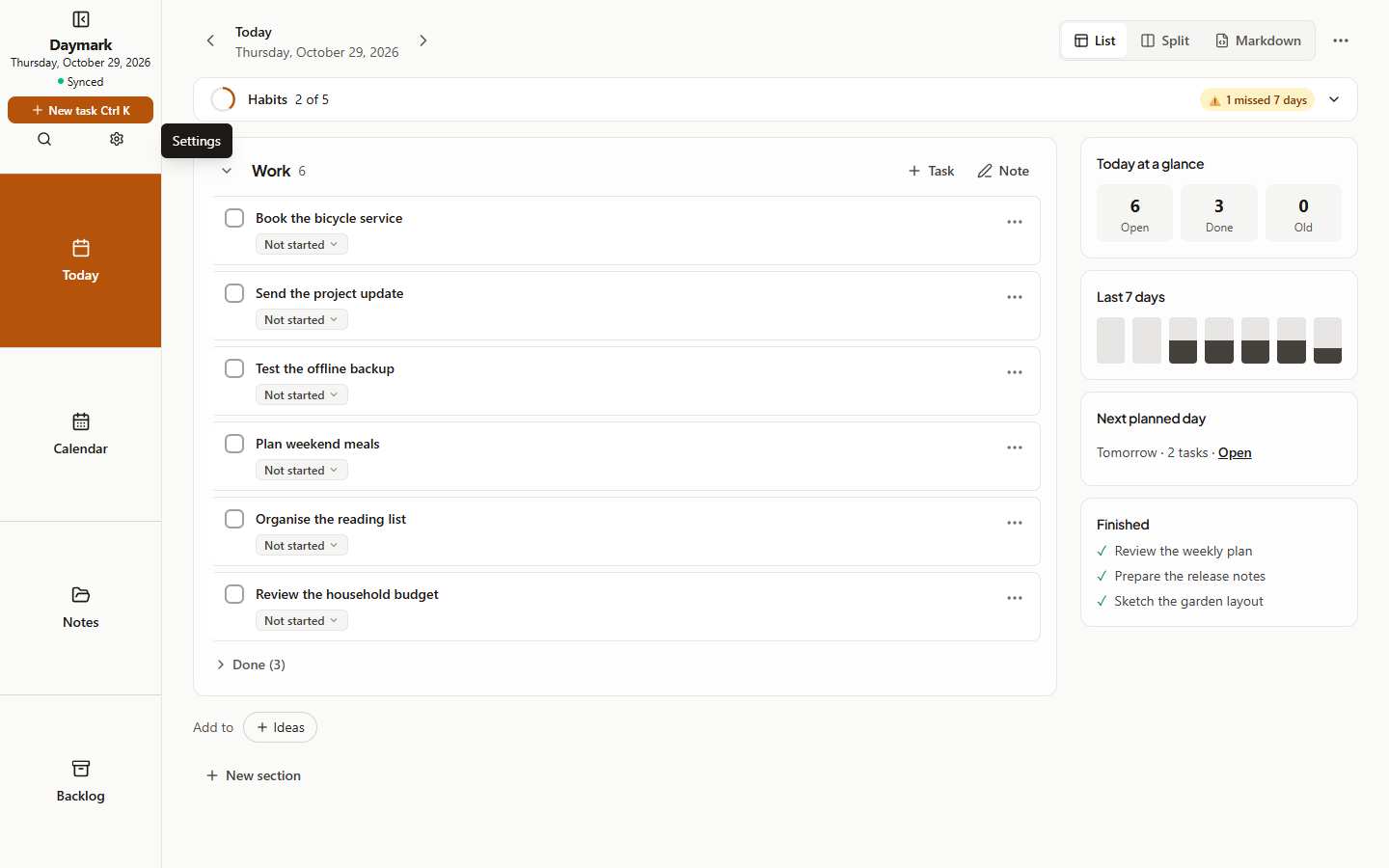
Desktop navigation stays beside your work, on the left or right. Notes focus mode hides it. Move tasks between sections without retyping them.
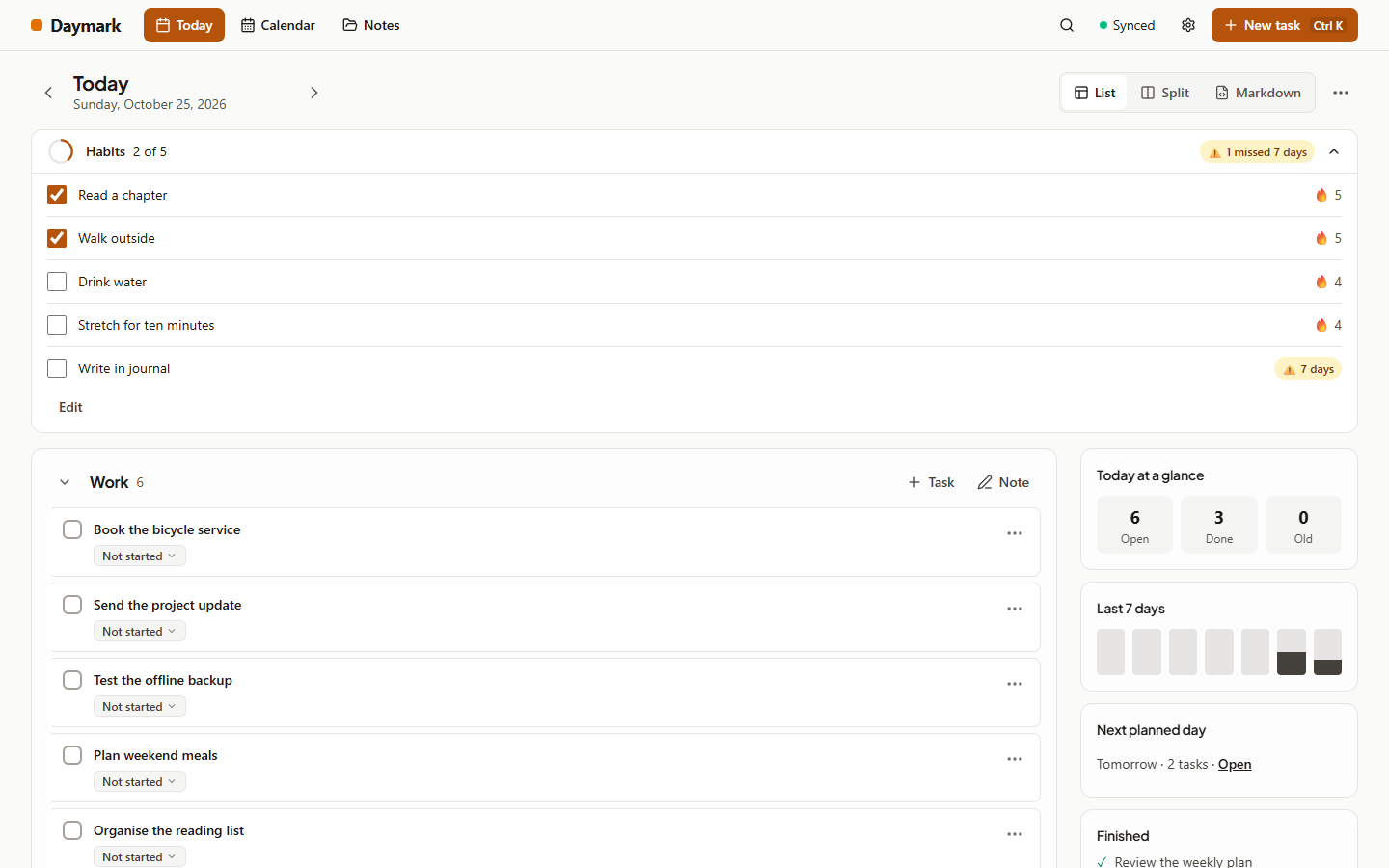
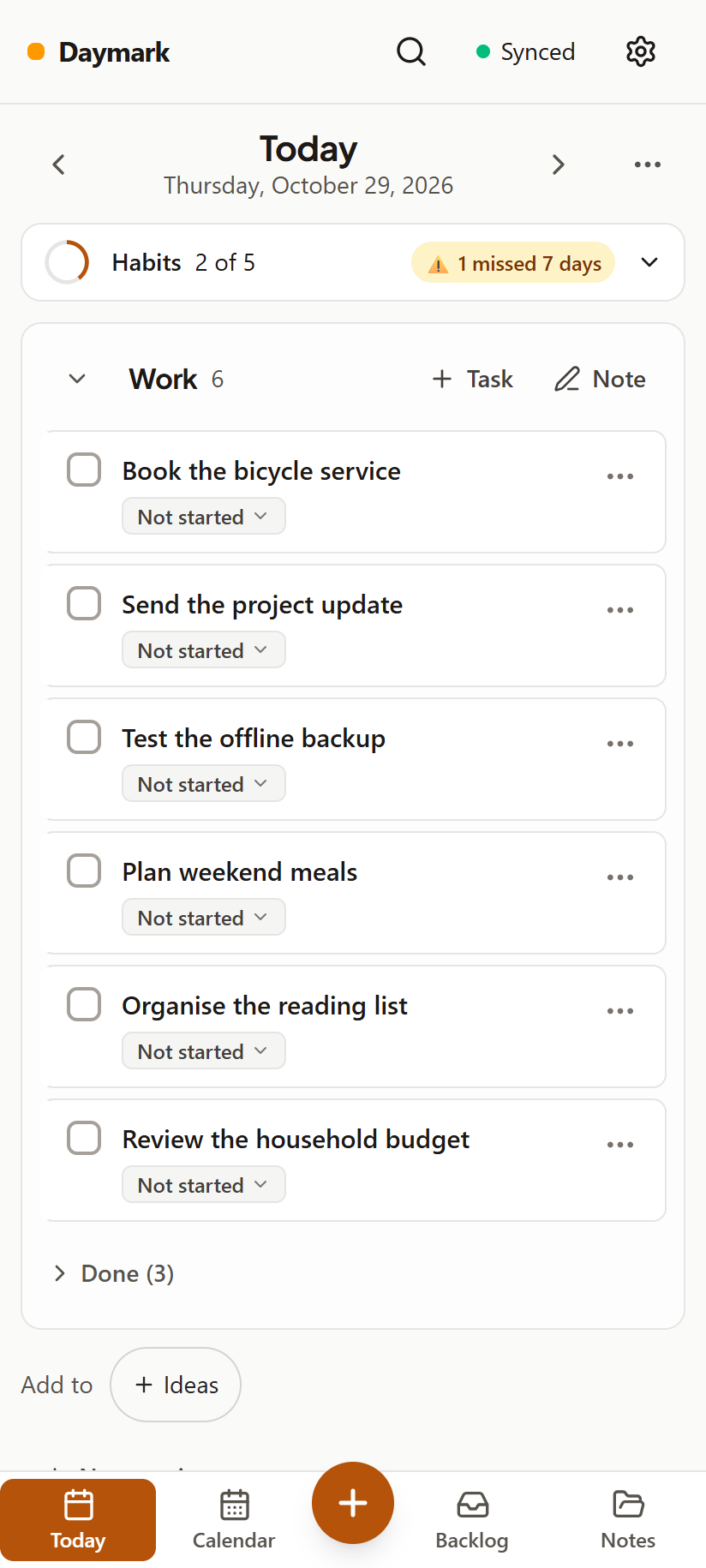
Unfinished tasks move to today automatically, keeping their history. Finish one late and Daymark records the day it was really done, and closes its older copies.
Set your habits once and tick them each day. Streaks, missed-day warnings, and a habits widget on your home screen. Settings lets task aging and habit warnings count weekdays, weekends or all week. All week is the default; warnings stay visible every day. Android task widgets follow your warning thresholds and aging warnings switch too.
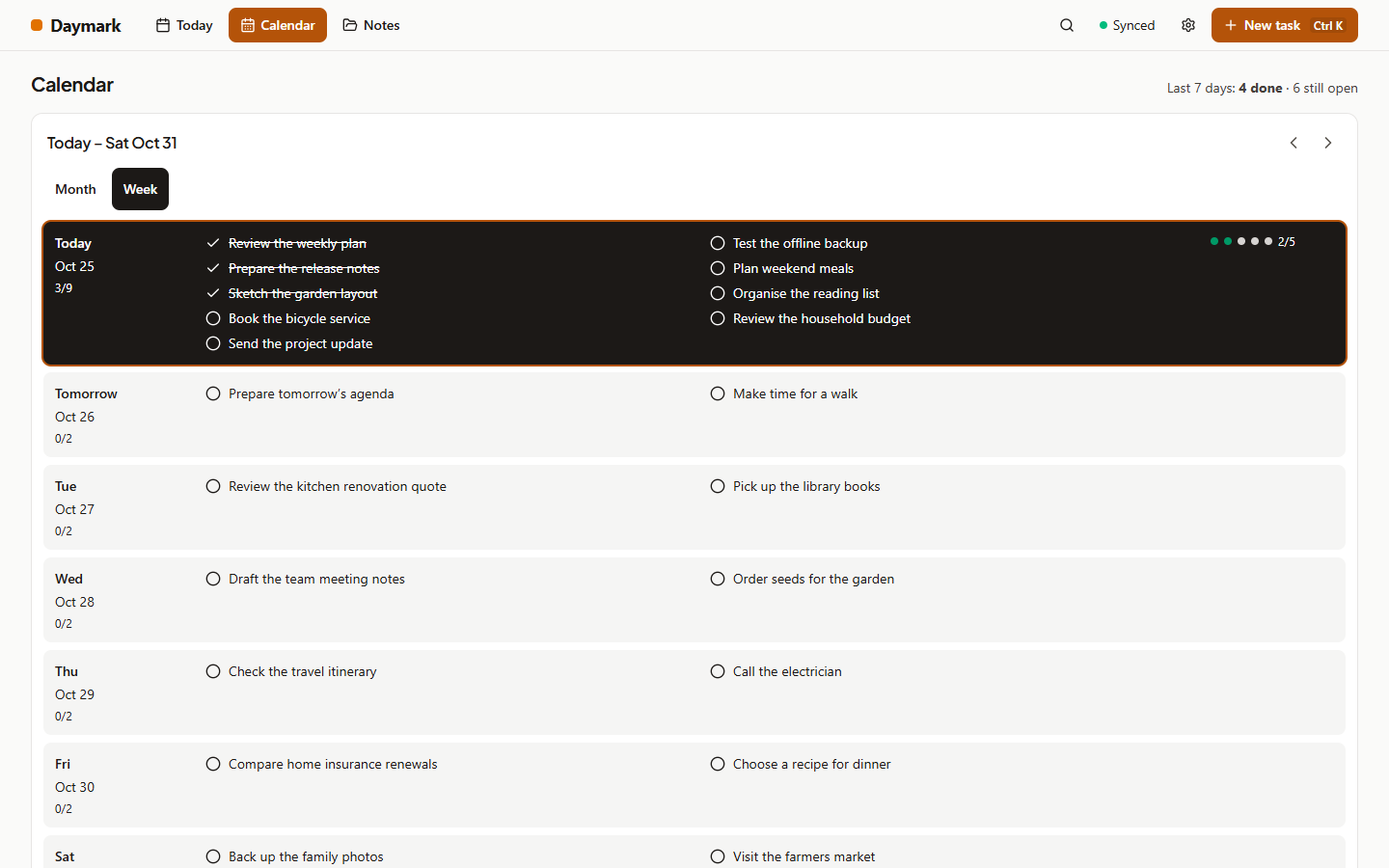
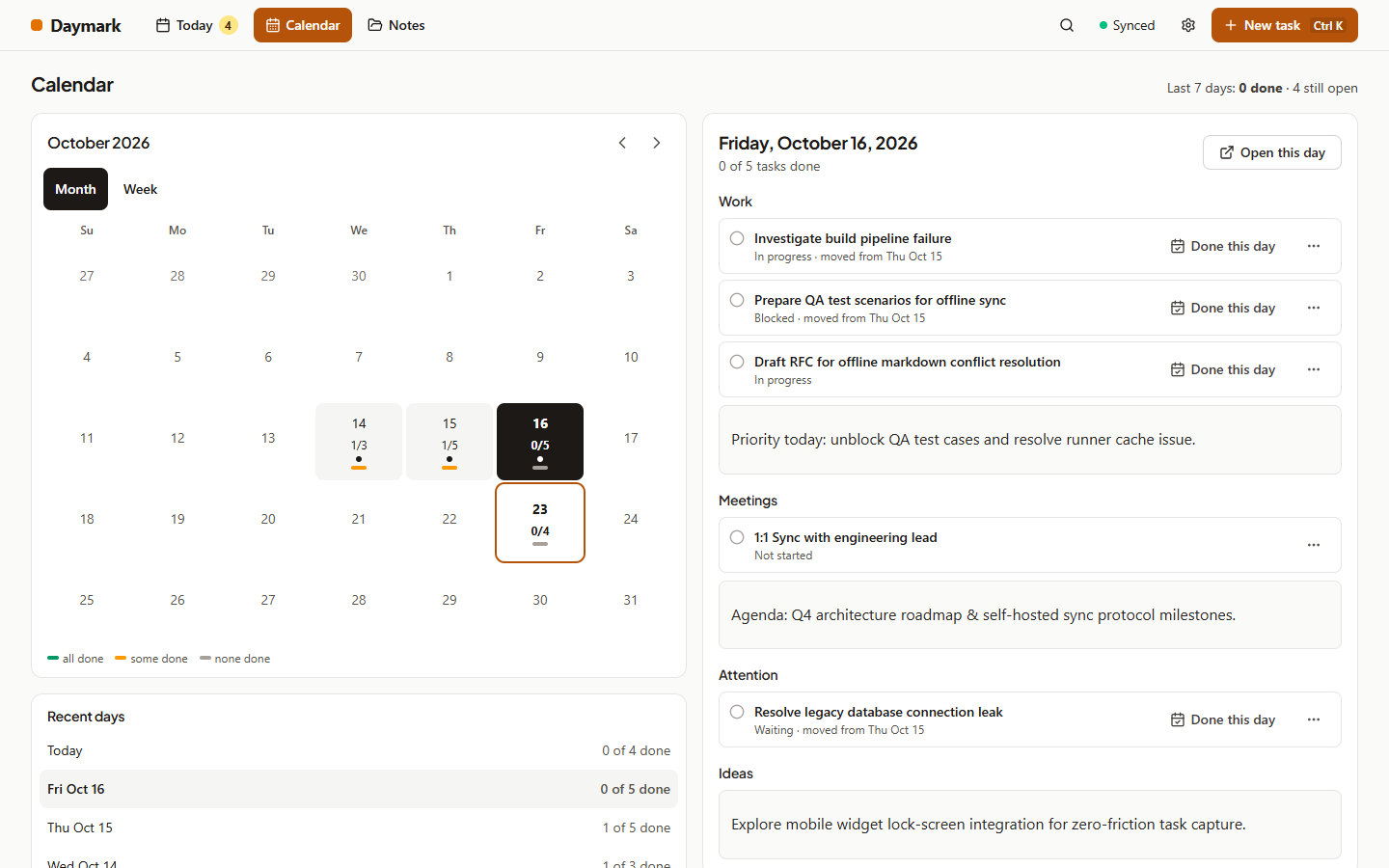
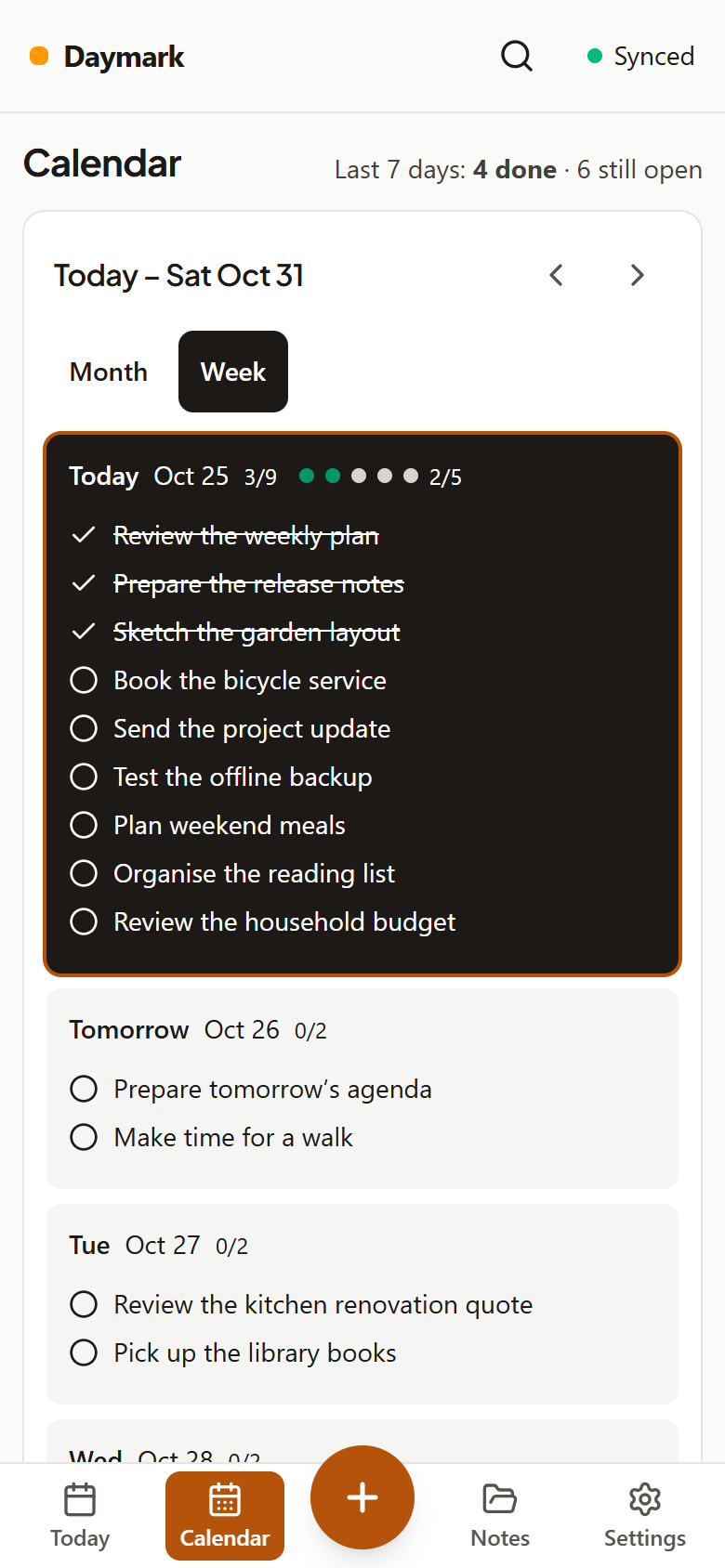
Month and week views with every task of the day. Open any day, plan future ones, and drag tasks to reschedule.
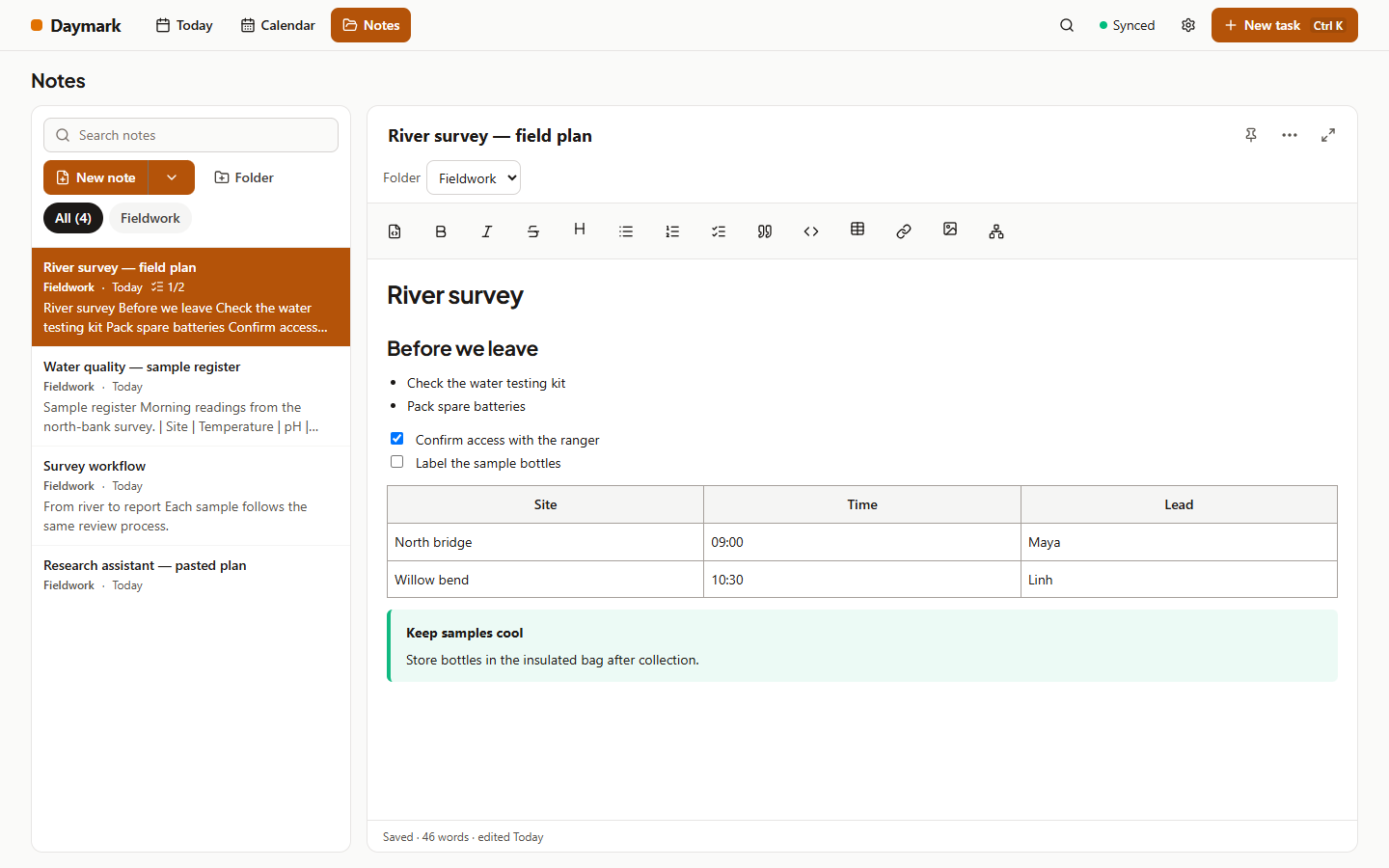
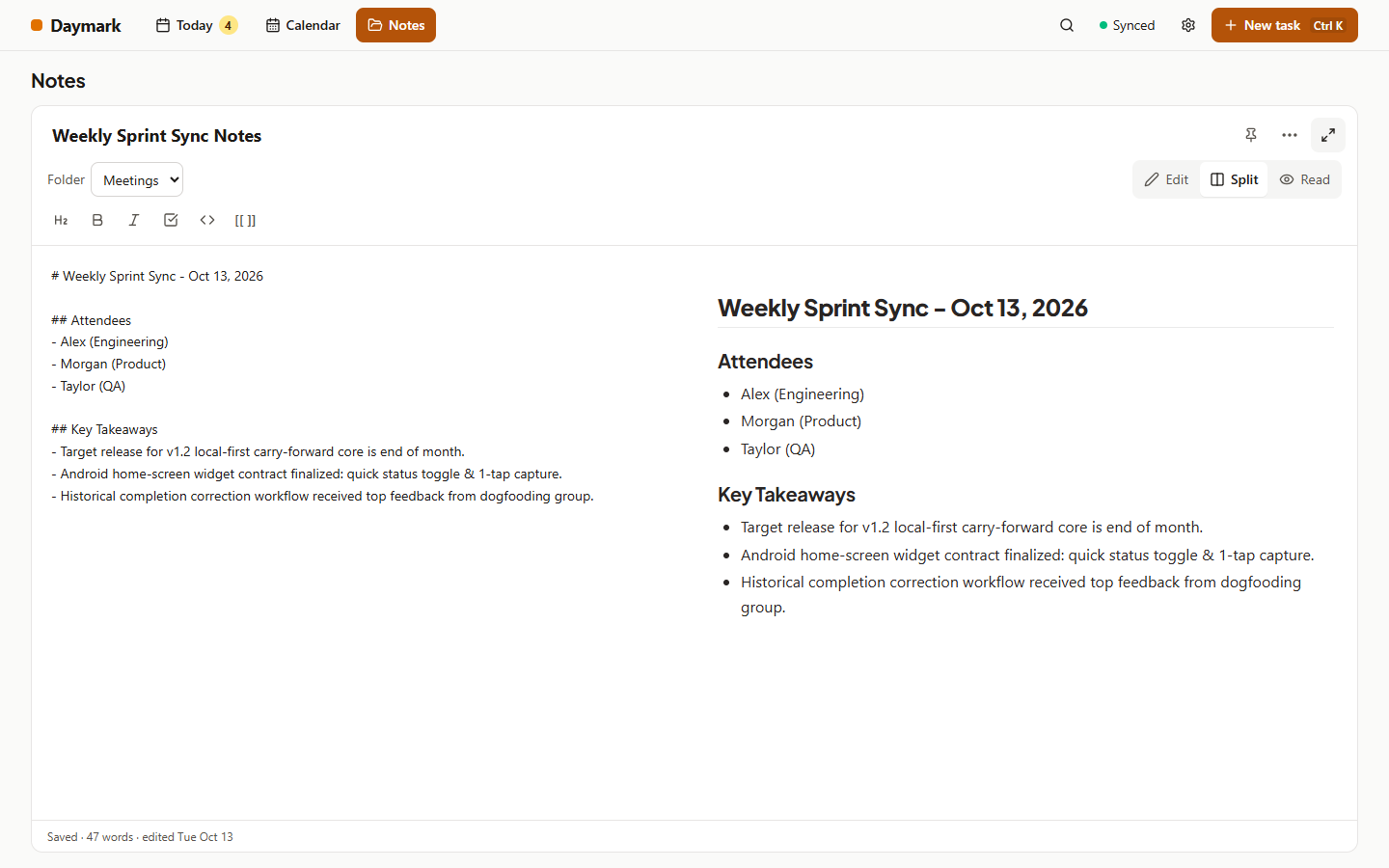
A rich editor with tables, synced pictures, Mermaid diagrams and [[links]] with autocomplete. Paste from AI chats to keep headings, lists and code. Templates and focus mode give you room to write. Create handwritten notebooks on lined or grid pages with a pen, then read them on other devices. On typed notes, turn on Highlighter and drag the pen across words; the highlights sync too.
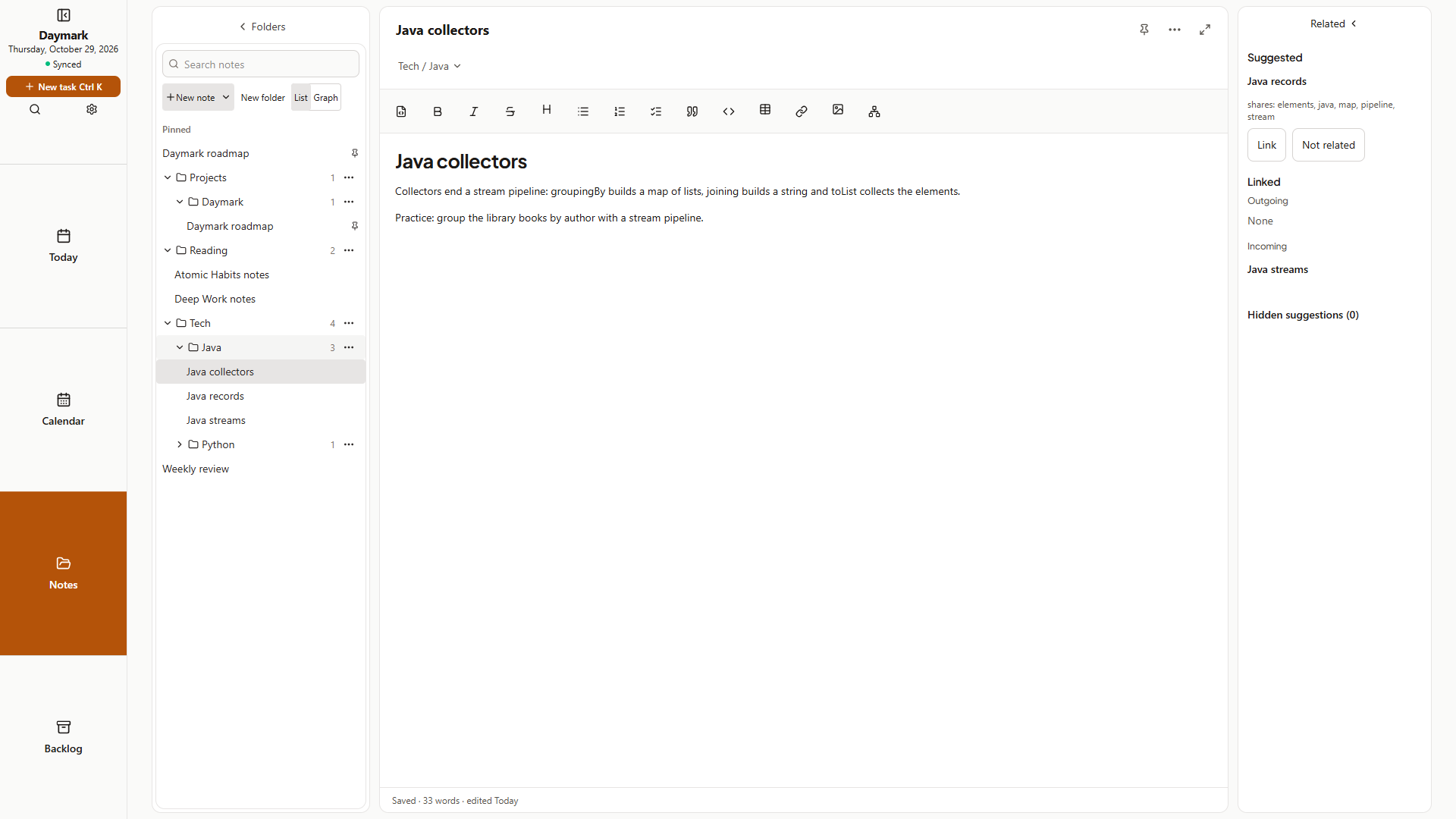
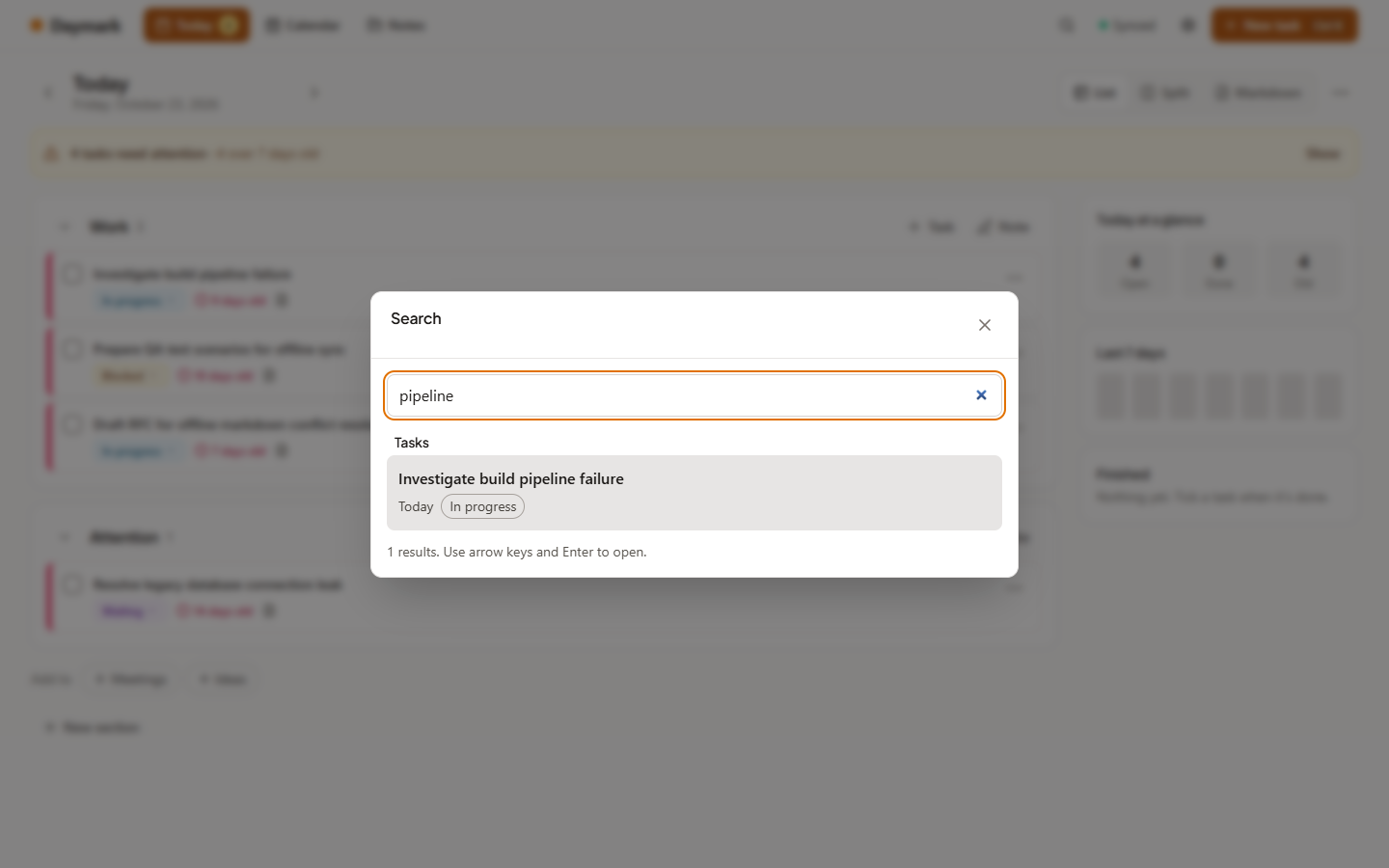
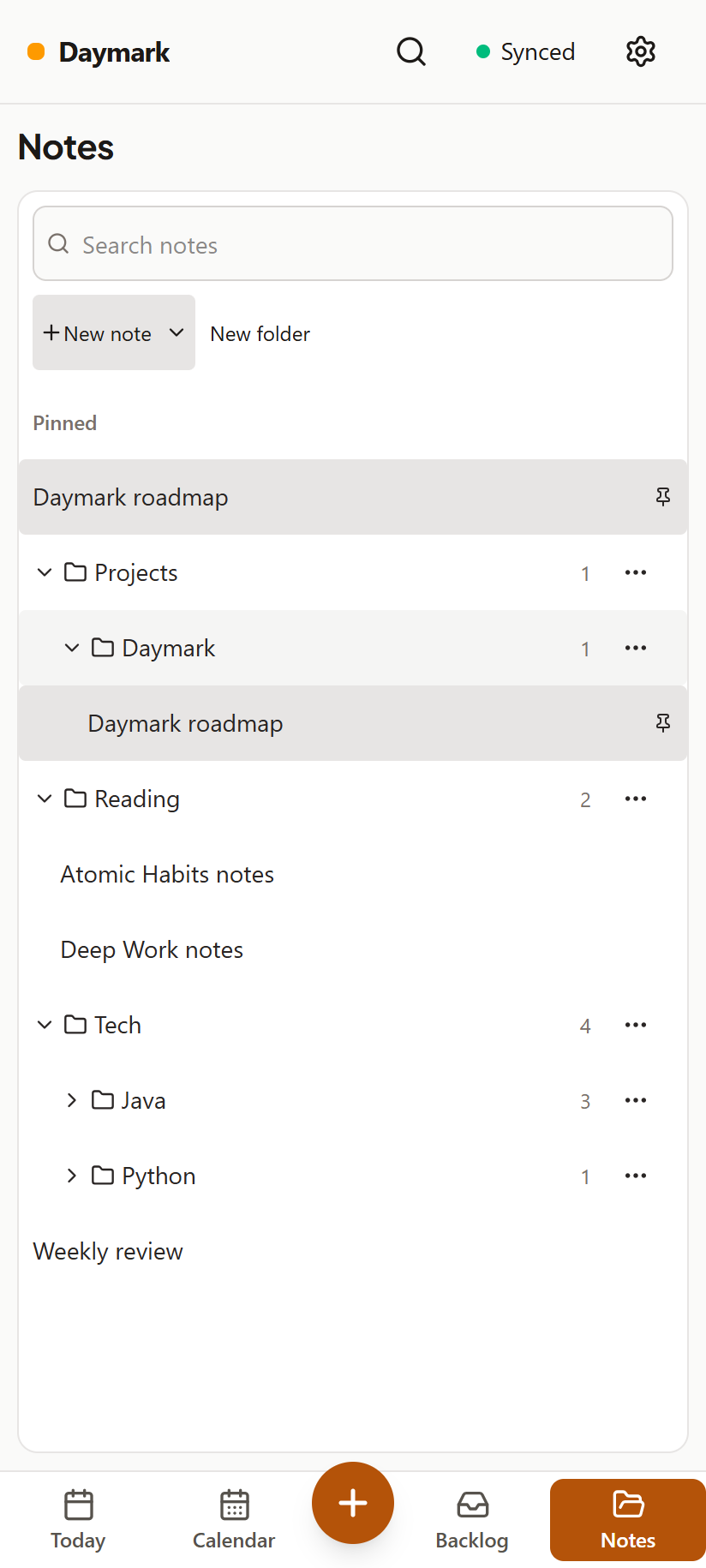
Folders and the notes inside them live in a single column with search that filters in place, pinned notes on top, drag and drop, and a Move to folder picker on phones. Use Minimize notes column for the shortcut strip and Expand notes column to return. Folders export as real directories.
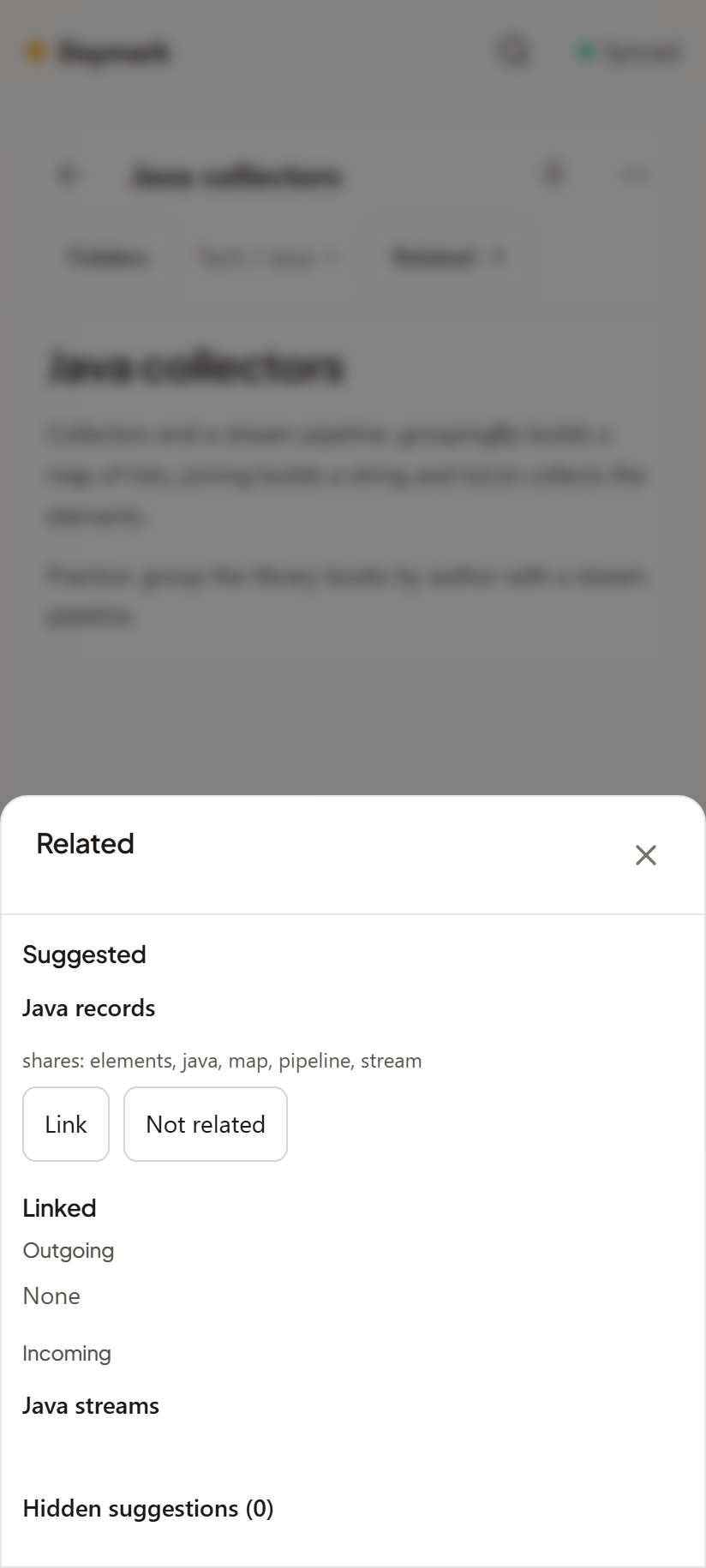
While you write, Daymark suggests notes that share distinctive words. Link adds a [[wiki link]]; Not related hides the pair. Suggestions are worked out on your device.
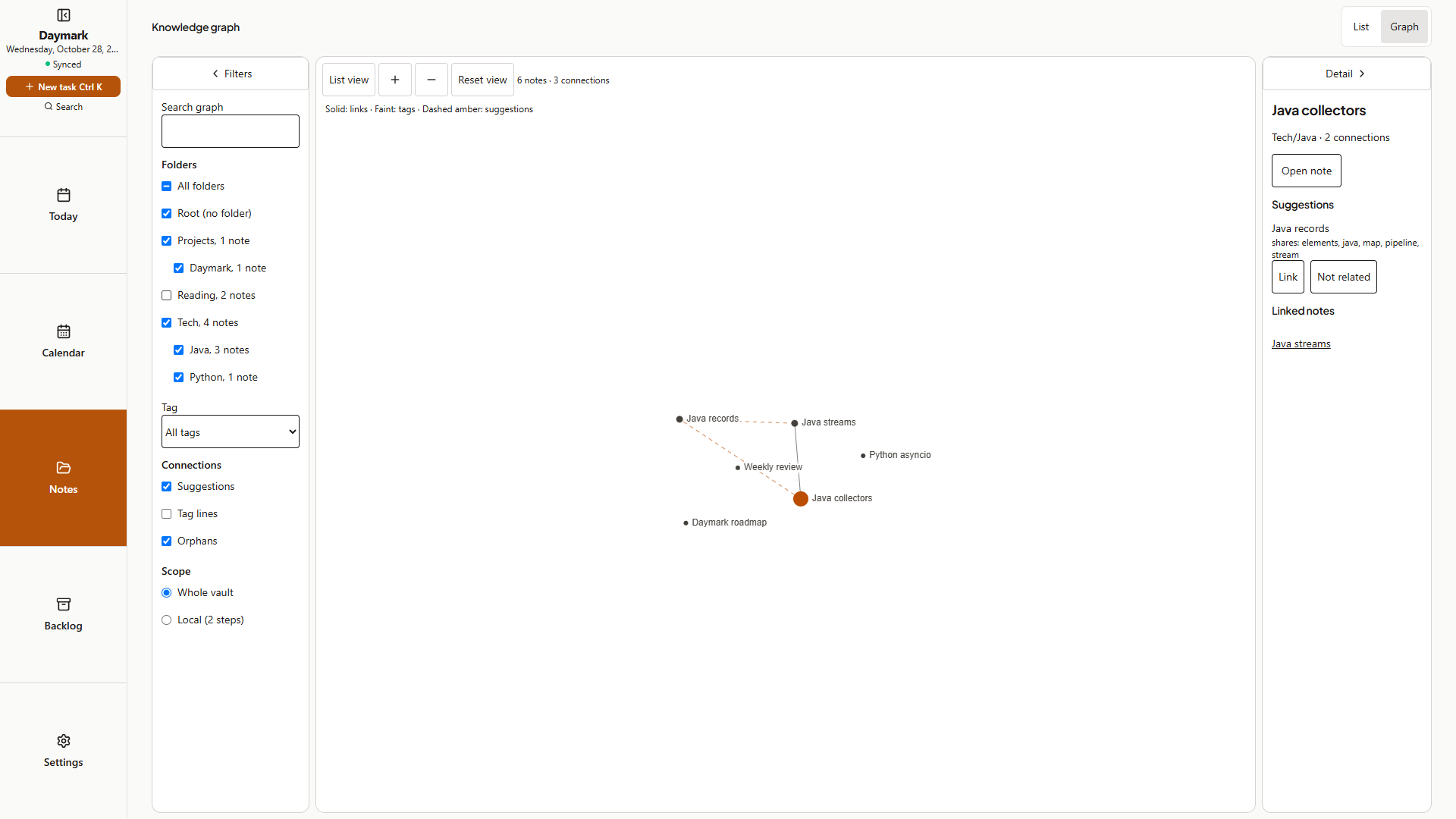
See links, suggestions and tags as a knowledge graph. Filter by folder or tag, focus on one note's neighbourhood, or use the keyboard-friendly list view.
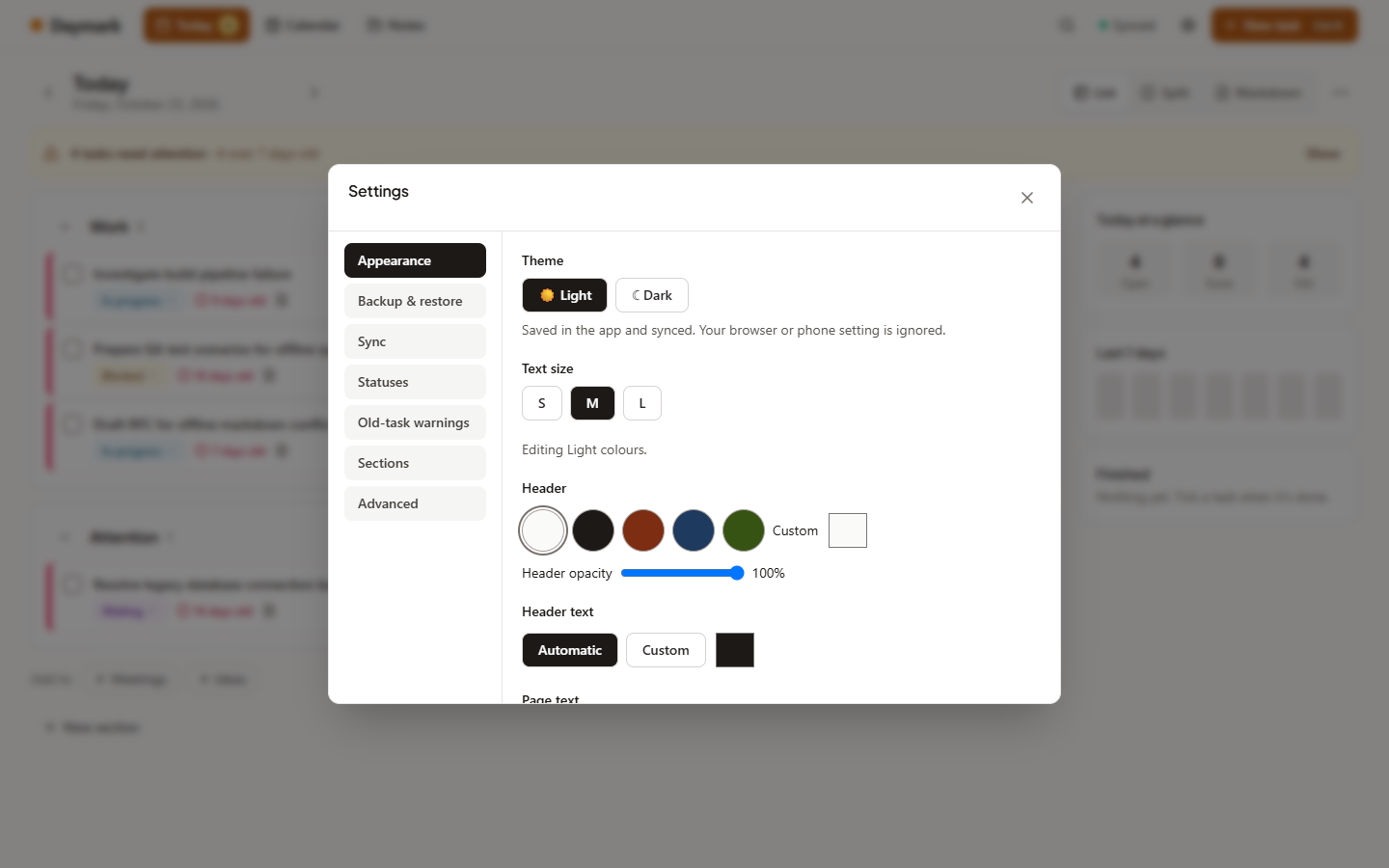
Light or dark, your own colours, background photos and text size, all kept readable.
Plain Markdown files you can export at any time, offline by default, no telemetry. Sync between your devices through a server you run.
Install the APK from the latest release (1.11.1). It includes the task and habits home-screen widgets. For the one-time switch to the new signing key: sync (or make a backup) first, uninstall the old app, install the signed APK, then sign in again. Android refuses to update an app signed with a different key. Later updates signed with the same key keep your data.
Download the APKRun the server with Docker and open it in any browser; it installs as an app and works offline. Your phone and computers sync through it.
Setup guideDaymark is source-available under the PolyForm Noncommercial License 1.0.0. You may use, copy, change and share it for any noncommercial purpose: personal use, study, research, hobby projects, and use by charities, schools and government bodies. Commercial use needs permission from the copyright holder; ask through GitHub.